
How to Remove Your Listing
Delete a listing or put it on hold. Billing is a separate cancel step.
Last updated October 24, 2026
Delete or pause
- Log in at salonrenter.com.
- Open My Listings.
- Find the listing.
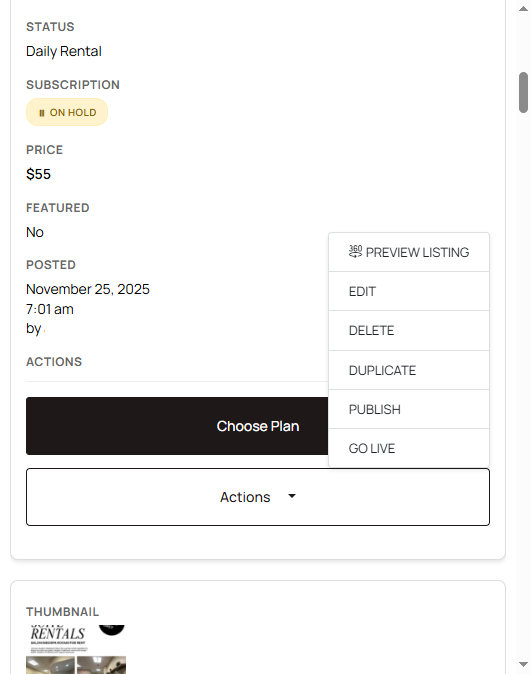
- Choose one of these:
- Delete: removes the listing from the site.
- Put on Hold: hides the listing and keeps the content. Use this when the space is full but you may have an opening later.
Pausing is covered again in Pause a listing or change the space type.
Cancel the subscription separately
Delete, On Hold, and deactivating a listing do not cancel the subscription. Listing status and billing are not linked.
Cancel from My Billing. See How to cancel your subscription.
List again later
On Hold can be turned back on from My Listings. A deleted listing has to be created again at salonrenter.com/create-listing/.