
How to Schedule a Tour
Use the tour form on the listing when the owner has scheduling turned on.
Last updated October 23, 2026
Request a tour
- Open the listing.
- Find the tour form. If it is missing, the owner has turned scheduling off for that listing. Use the contact form instead.
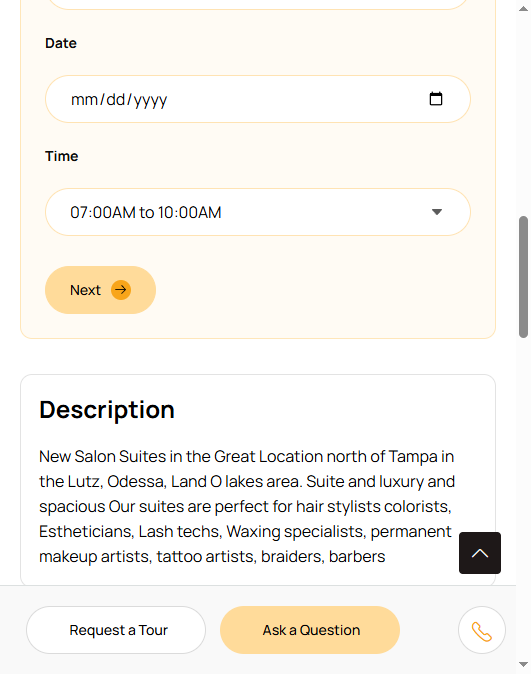
- Choose In Person or Video Chat.
- Pick a date and time.
- Enter your name, email, and phone.
- Add a short note about what you are looking for.
- Submit.
The owner gets the request by email and in their dashboard. They should confirm or suggest another time.
Show up on time, bring questions, and note what you saw if you are touring more than one space. For video, the owner will send a link. A stable connection helps.
Questions worth asking are in Questions to ask before renting.