
How to Edit Your Listing
Update photos, rent, description, amenities, and the address.
Last updated October 24, 2026
Edit a listing
- Log in at salonrenter.com.
- Open My Listings.
- Click Edit on the listing (or Actions, then Edit).
- Update the fields you need.
- Save.
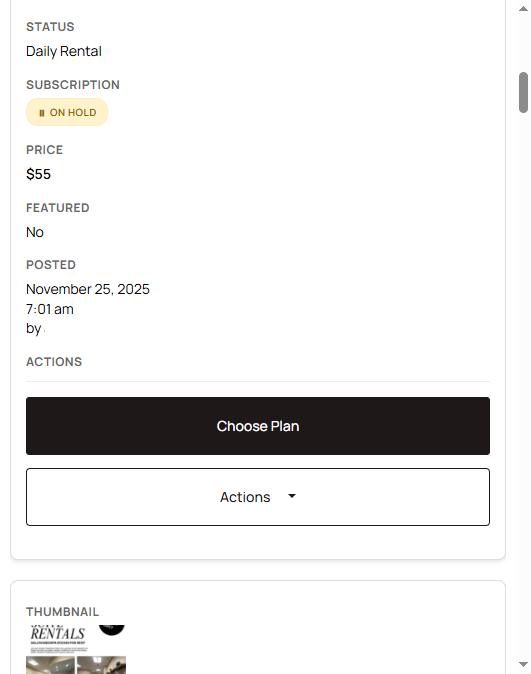
What you can change
- Photos: add, remove, set the cover, or reorder. See Upload photos and videos.
- Description: rewrite the text or use Writing Prompts.
- Rent: change the daily, weekly, or monthly rent you charge tenants. That rent is separate from your Salon Renter plan.
- Amenities: check or uncheck what the space includes.
- Address and map pin: see Fix the map pin and address.
Who the listing is aimed at is set on your profile, in What businesses will you rent to. See Who you will rent to.
If a save fails, see Listing form errors. To have us edit it, email help@salonrenter.com with the listing URL and the changes.